
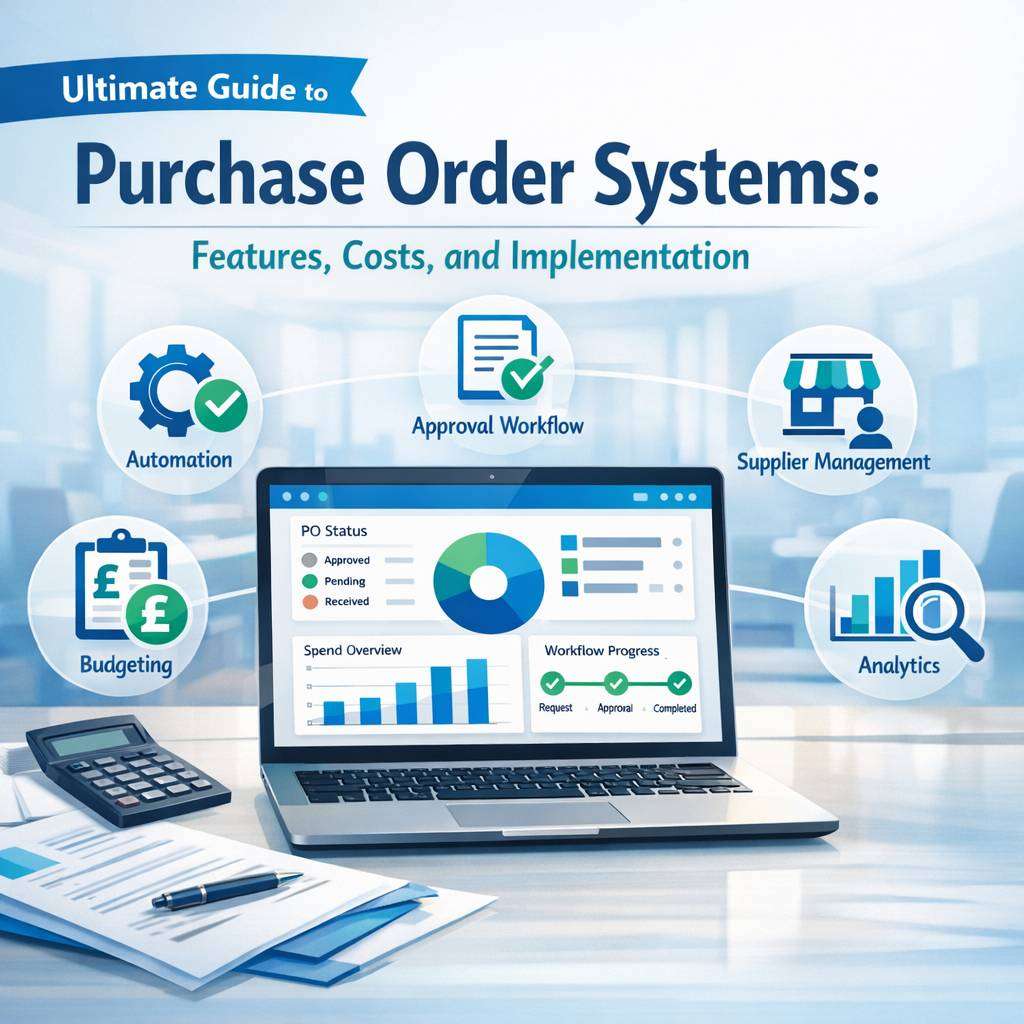
IntroductionIn modern procurement, a well-chosen po system can transform efficiency, accuracy, and visibility from the initial requisition to the final payment. This guide explores the essential features, the cost considerations, and practical steps for implementing a purchase order system that suits organisations of all sizes. Whether you are evaluating an online purchase order system for a small business or seeking a comprehensive software purchase order solution for a larger operation, the aim is to equip you with clear benchmarks, real-world considerations, and actionable next steps.
What is a purchase order system?A purchase order system, also referred to as purchase ordering software or a po system, is a digital framework that standardises the creation, approval, sending, tracking, and reporting of purchase orders. It replaces manual processes or disparate spreadsheets with a centralised, auditable workflow. The best systems support both issuing purchase orders to suppliers and receiving confirmations and invoices, creating a seamless loop from requisition to payment. For small businesses, a po system for small business often emphasises simplicity, affordability, and essential controls, while larger organisations may require advanced integrations, automation, and governance.
Key features to look forA robust purchase order system typically includes a core set of features designed to improve control and visibility. First, an intuitive requisition-to-po workflow is essential, enabling authorised staff to request goods, route for approval, and convert approved requisitions into purchase orders automatically. Second, supplier management tools help store supplier details, contract terms, and price lists, enabling quick PO creation and accurate pricing. Third, there should be strong purchase order creation capabilities—templates, line-item management, tax handling, and the ability to link POs to budgets. Fourth, approval routing and audit trails are critical for governance, with timestamps, approver identities, and change logs to support compliance. Fifth, real-time status tracking and notifications keep stakeholders informed about PO status, receipt, and matching with invoices. Sixth, three-way matching—PO against receipt and supplier invoice—reduces maverick spending and improves payment accuracy. Seventh, budgeting and spend controls help prevent over-spend by enforcing budget checks at PO creation or approval stages. Eighth, reporting and analytics provide insights into procurement performance, supplier performance, cycle times, and cost savings. Ninth, integration capabilities to ERP, accounting software, or procurement platforms ensure data consistency across systems. Tenth, security features such as role-based access, data encryption, and audit-ready logs underpin system integrity.
Choosing between on-premises and cloud-based optionsMost organisations now favour cloud-based online purchase order systems due to lower upfront costs, automatic updates, and scalable access. An online purchase order system offers easier concurrent usage, quick deployment, and straightforward maintenance. However, some sectors with stringent data residency or custom IT requirements may prefer a traditional software purchase order approach hosted on their own infrastructure. When evaluating, consider portability, vendor support, uptime guarantees, disaster recovery plans, and the predictability of ongoing subscription fees versus periodic license payments.
Cost considerationsCosts for a purchase order system vary according to deployment model, user counts, and feature depth. For cloud-based software purchase order solutions, expect monthly or annual per-user pricing, with potential tiered plans that unlock additional modules such as advanced analytics or supplier portals. In contrast, on-premises options involve a larger initial licence fee plus annual maintenance and potential hardware investments. Beyond licence costs, consider implementation services, data migration, training, and ongoing support. When budgeting, many organisations calculate total cost of ownership over three to five years, including productivity gains from automation and reductions in manual errors. For small businesses, affordable po system options may focus on essential workflows, limited user roles, and straightforward supplier management, while still offering core governance and auditability.
Implementation best practicesA successful implementation begins with alignment between procurement objectives and the system’s capabilities. Start with mapping existing processes, identifying bottlenecks such as duplicate data entry or delays in approvals, and defining target outcomes like reduced cycle times or increased order accuracy. Select a system with flexible approval routings and customisable templates to mirror your organisation’s structure. Data quality is critical; plan for clean master data, supplier catalogues, and accurate pricing. A phased rollout—beginning with a pilot department or a specific purchasing category—helps manage change, gather feedback, and adjust configuration before broader deployment. Training should cover day-to-day PO creation, approval workflows, supplier communications, and exception handling. Post-implementation governance is essential: establish periodic reviews, ensure audit trails are maintained, and monitor KPI performance such as purchase order cycle time, order accuracy, and spend under management.
Practical considerations for different organisationsFor small businesses, a po system for small business should prioritise an intuitive user interface, quick setup, and essential controls without imposing excessive administrative overhead. Suppliers’ self-service portals and automatic email notifications can streamline collaboration and reduce manual follow-ups. For mid-market organisations, look for deeper integrations with ERP and financial systems, more sophisticated approval hierarchies, and enhanced reporting capabilities. For larger enterprises, enterprise-grade security, advanced workflow automation, bulk import/export, contract management, and spend analytics become central, along with robust support and scalability.
Best practices for ensuring successTo maximise value, establish clear ownership and governance, define standard operating procedures for creating and approving POs, and implement controls to prevent maverick buying. Leverage automation to reduce manual data entry, set up alerts for missing information or approvals awaiting action, and ensure alignment with the organisation’s budgeting processes. Regularly review supplier performance and pricing to optimise value. Finally, choose a po system with strong vendor support, clear roadmaps, and regular updates that align with evolving procurement requirements.
What to ask vendorsWhen evaluating a purchase order system, inquire about deployment options, data security and privacy, integration compatibility with your existing accounting and ERP systems, and the roadmap for new features. Request demonstrations that cover end-to-end scenarios such as creating a PO from a requisition, routing approvals, sending to suppliers, receiving goods, and matching payments. Confirm service levels, data ownership rights, migration assistance, and training resources. Finally, check for a strong record of customer success stories in organisations similar to yours, and evaluate the total cost of ownership over the expected lifecycle of the software.
Purchase order systems streamline purchasing, improve supplier collaboration, and reduce processing errors across departments. Adopting a modern PO system helps teams track orders, automate approvals, and maintain accurate spend analytics. With real-time visibility, finance teams close books faster while procurement gains better control over budgets. Many organizations tailor workflows to fit their needs, ensuring scalable growth and compliant procurement practices. For more information, visit cloudb2b.co.uk. cloudb2b.co.uk provides insights into effective purchase order systems for diverse industries.
FAQ: Purchase Order Systems
What is a purchase order system?
A purchase order system is a software or process that manages the creation, approval, transmission, tracking, and recording of purchase orders (POs) within an organisation. It helps automate procurement workflows, improve accuracy, and provide visibility into spending.
Why should my business use a purchase order system?
Benefits include reduced maverick spending, improved spend control, faster approval cycles, better supplier communication, audit trails, and integrated financial data for reporting and budgeting.
What features should I look for in a good purchase order system?
Key features include PO creation and editing, workflow approvals, supplier management, PO tracking and status alerts, budget checks, receipt and invoice matching, integration with accounting/ERP, audit trails, user access controls, and reporting dashboards.
How does a purchase order system differ from accounts payable?
A PO system focuses on the procurement process and PO lifecycle, while accounts payable handles invoicing, payment processing, and cash disbursements. A modern PO system often integrates with AP to automate three-way matching (PO, receipt, invoice).
Can a purchase order system integrate with my existing ERP or accounting software?
Yes. Most PO systems offer integrations with popular ERP and accounting platforms (e.g., SAP, Oracle, NetSuite, QuickBooks, Microsoft Dynamics). Integration enables seamless data flow for PO creation, approvals, receipts, and payments.
What is three-way matching and why is it important?
Three-way matching compares the PO, the goods receipt, and the supplier invoice to ensure consistency before payment. It helps prevent overpaying, duplicate payments, and fraud, improving accuracy and controls.
How does a purchase order system handle approvals?
Most systems support configurable approval workflows (single or multi-approval, manager hierarchies, role-based approvals). They can enforce budget checks, routing rules, and escalation if approvals are delayed.
Is a purchase order system suitable for small businesses?
Yes. Many PO systems are scalable and offer tiered pricing or cloud-based solutions that are affordable for small and mid-sized businesses, with essential features like PO creation, approval, and basic reporting.
What are the benefits of cloud-based vs. on-premises PO systems?
Cloud-based PO systems offer lower upfront costs, easier updates, remote access, and automatic backups. On-premises systems provide more control and potentially lower long-term licensing fees but require more IT management.
How secure is a purchase order system?
Security varies by vendor but typically includes user authentication, role-based access, data encryption at rest and in transit, audit trails, and regular security updates. Look for SOC 2/ISO 27001 certifications and compliance with relevant regulations.
What is supplier management in a PO system?
Supplier management stores supplier details, contact information, contract terms, and performance data. It enables streamlined supplier onboarding, reference checks, and performance-based decision-making.
Can a PO system help with budget control?
Yes. Many systems connect to budget data, enforce spend limits, alert when a PO exceeds the budget, and provide real-time visibility into spend against budget.
How do I choose the right purchase order system for my organisation?
Assess your requirements (scale, integrations, automation needs, and user count), evaluate total cost of ownership, review ease of use, check integration capabilities, security, vendor support, and request demos or trials.
What is the typical implementation timeline for a PO system?
Implementation timelines vary (4–12 weeks commonly) depending on complexity, data migration needs, integration requirements, and user adoption. A phased rollout can reduce risk.
Do PO systems support mobile access?
Many do, offering mobile apps or responsive web interfaces so approvers and buyers can create, approve, and track POs on the go.
How can a PO system improve supplier relationships?
By providing timely PO issuance, clear terms, automated status updates, faster approvals, and accurate order fulfillment, which fosters trust and smoother supplier collaboration.
What is the difference between a purchase order and a purchase requisition?
A purchase requisition is an internal request to procure goods or services, often requiring approval. A purchase order is a formal commitment sent to a supplier once the requisition is approved and the supplier is selected.
Can I customise workflows in a PO system?
Yes. Most systems offer configurable workflows, including approval chains, escalation rules, and conditional routing based on department, amount, or item type.
What kind of reporting can I get from a PO system?
Common reports include spend by supplier, PO cycle time, approval time, PO aging, budget vs. actuals, recurring purchases, and cost savings from negotiated terms.
Do PO systems support international procurement?
Many do, with multi-currency support, tax handling, local compliance features, and global supplier management. Check for regional capabilities and localization.
How do I get buy-in from my team to adopt a PO system?
Demonstrate how the system saves time, reduces errors, and improves visibility. Provide clear training, show quick wins, and align the rollout with existing processes and incentives.